A reminder for all Sheffield RUFC members
Please ensure you have your GMS account set to receive email communications from the club so you don’t miss important updates, notices, and information.
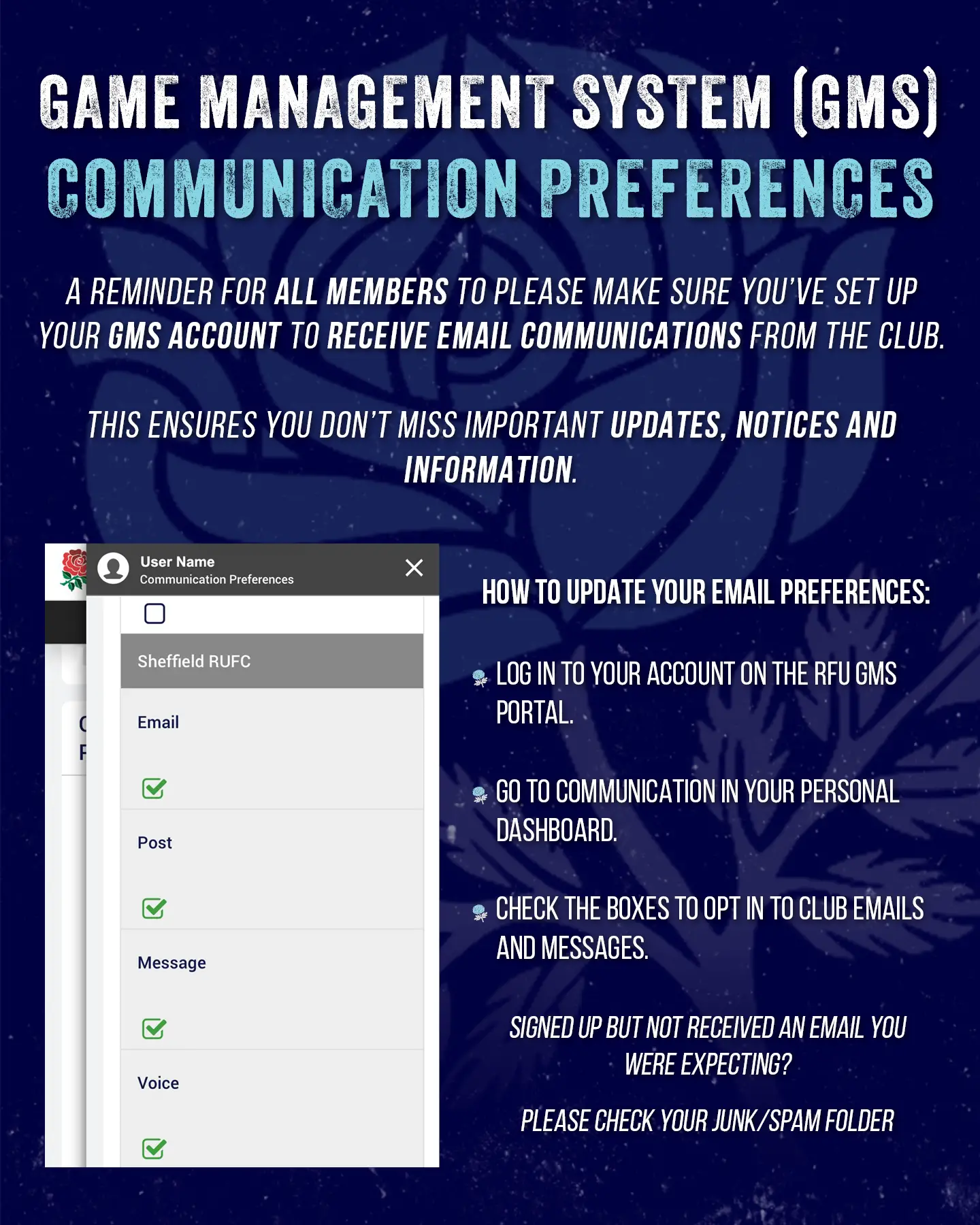
How to update your email preferences:
- Log in to your account on the RFU GMS Portal.
- Go to Communication in your personal dashboard.
- Check the boxes to opt in to club emails and messages.
Signed up but not received an email you were expecting? Please check your junk/spam folder.